Choose a Comfortable Reading Size
The website sets its text at a comfortable size with clear labels. Larger Text raises the size of the words on every page, and your browser’s own zoom can enlarge the entire page. Use the Larger Text button to turn it on or off; this browser remembers your choice where local storage is available.
Use a Keyboard or a Touch Screen
The Skip to Content link appears when you begin tabbing through the page. Menus, gallery filters and buttons all respond to a keyboard. On a small screen, choose Menu to open the main navigation and Close to fold it away. Press Escape to close an open painting viewer or menu.
Look and Read at Your Pace
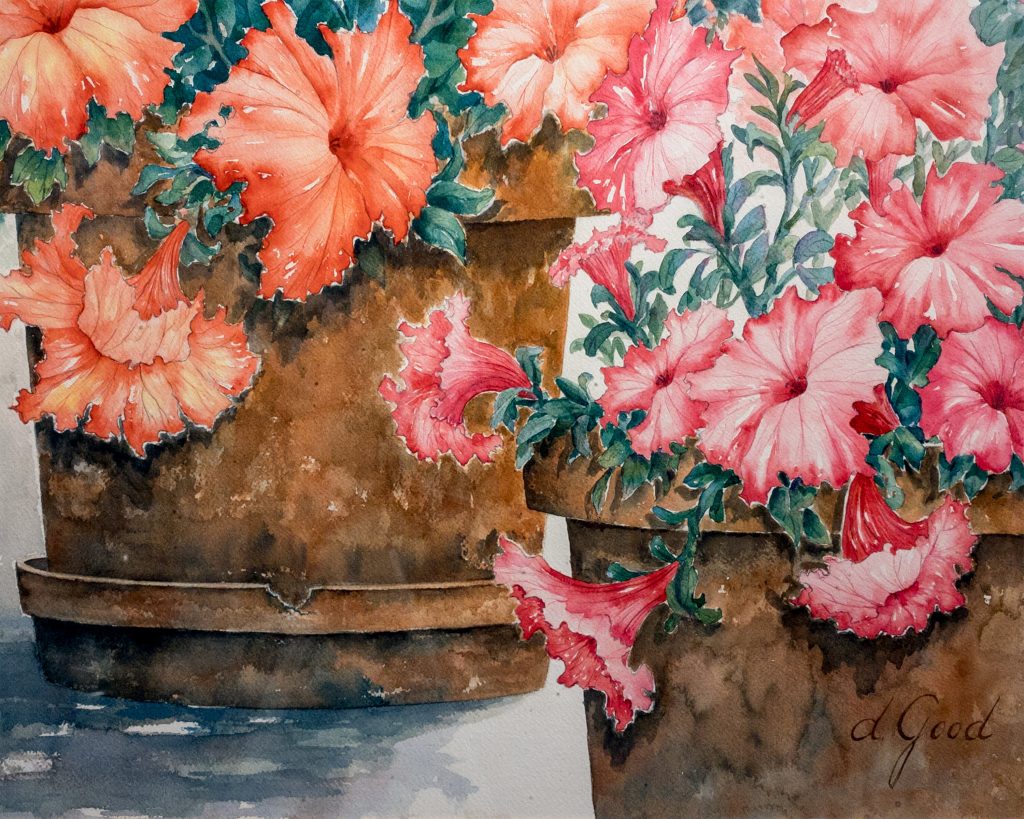
Enlarge Painting opens a focused view of the painting with a clearly labeled Close button. Some pages include Read This Page Aloud and Stop. That feature uses a voice built into your device, and audio plays only when you tap it.
Tell Us What Would Help
Rodeo Queen Fine Art welcomes notes about any label, image or control through the Connect page. Mention the page you visited and what you set out to do, and the gallery will keep growing more comfortable to explore.